Opportunities works like a job board for creators. Brands and agencies post campaigns and you can browse, read the details, and apply to any that fit your profile.
Discover tab
All available campaigns appear here. Each card shows the brand, a preview of the campaign, and whether it was shared directly with you. By default Brkaway shows campaigns available in your country, but you can switch to see all countries using the filter just below the page title. You can also use the filter icon on the top right to narrow results by brand or date.
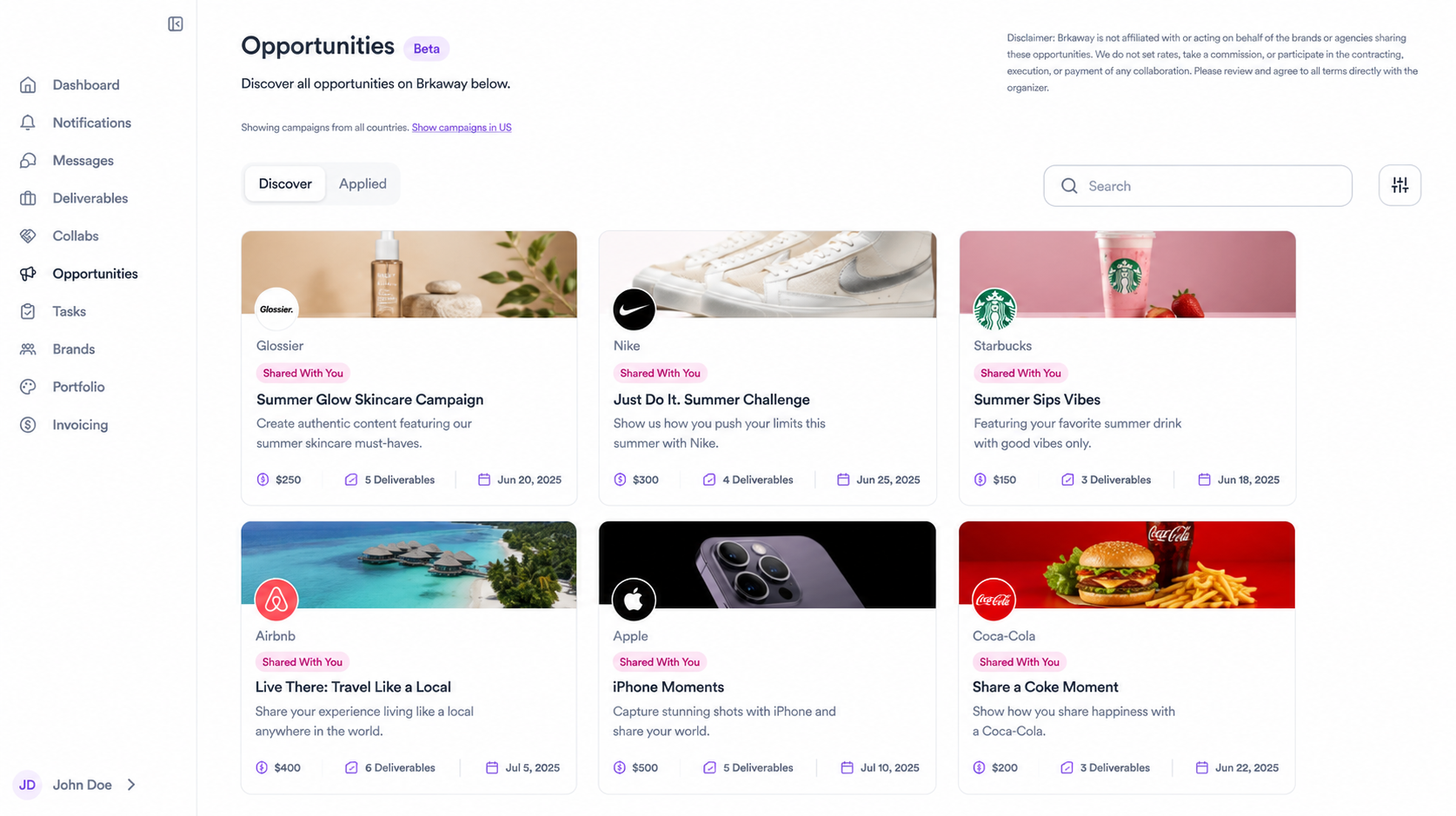
Reading an opportunity
Before applying, click on any opportunity to read the full brief. There you'll find what the brand is looking for, what deliverables are required, the creator profile they need, compensation details, and posting dates. Read it carefully as each campaign has specific requirements.
Applying
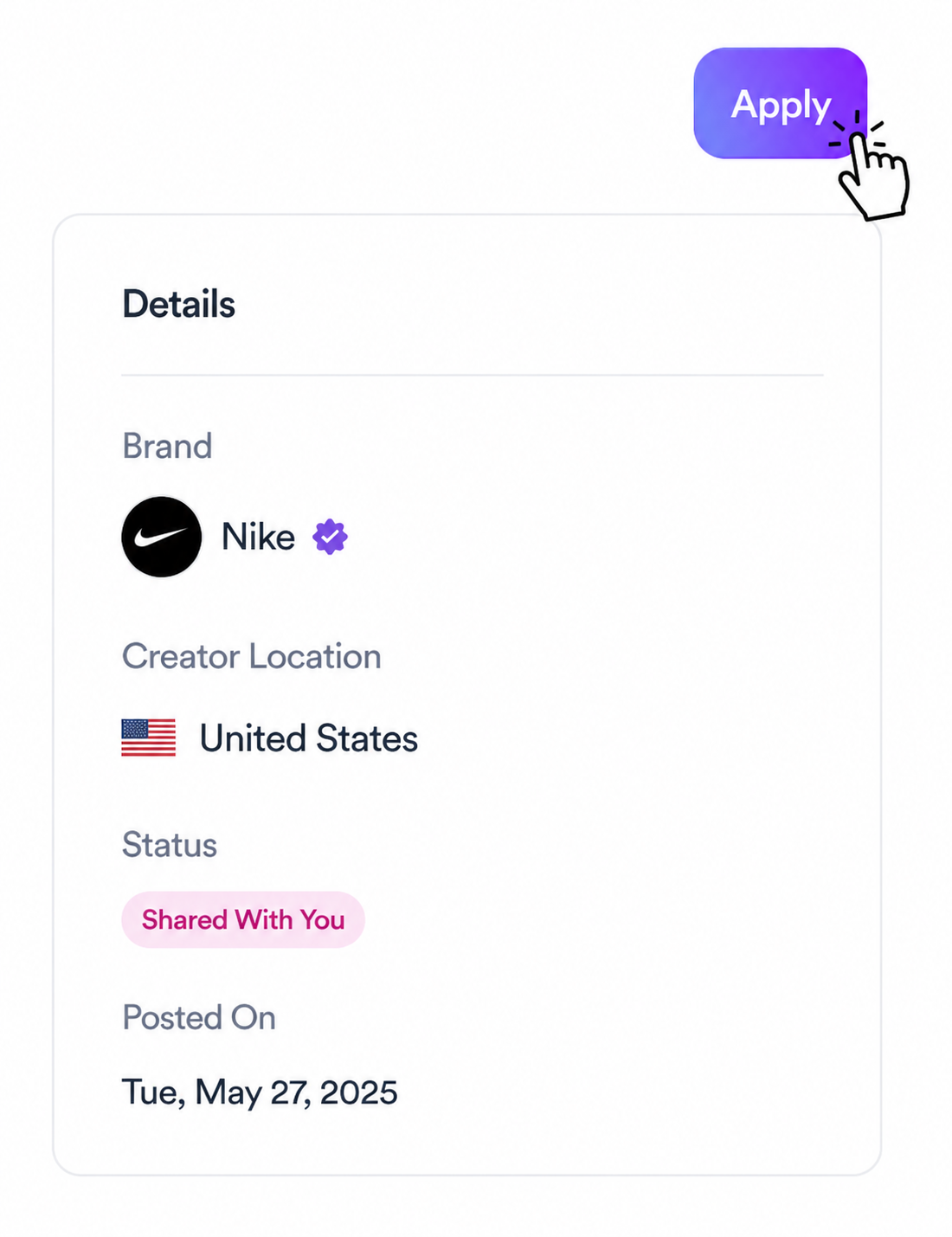
If the opportunity fits your profile, click the Apply button in the top right corner of the opportunity page.
Applied tab
Once you apply, the opportunity moves to your Applied tab so you can keep track of everything you've submitted and follow the status of each one.
What happens next
If the brand selects you, you'll receive a notification in Brkaway. From there you'll get the full brief and instructions to kick off the collab.
Related articles
Need help?
Reach out to your creator concierge or email the team.
Was this article helpful?