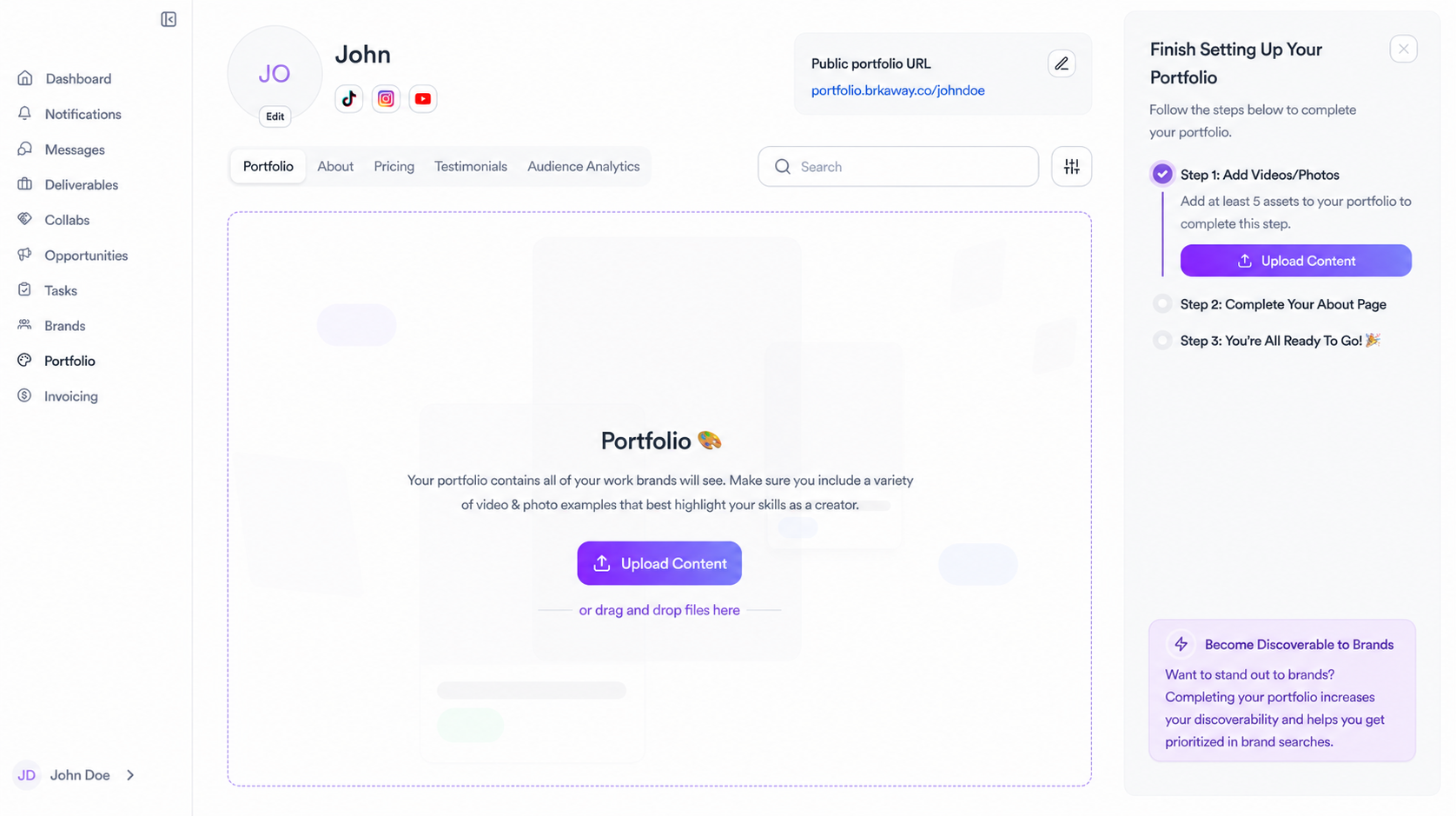
Your portfolio is your creator profile. It's what brands see when you apply to an opportunity or when they search for creators on Brkaway. A complete portfolio increases your chances of being selected and makes you discoverable to brands even without applying.
There are three steps to complete it, shown in the setup guide on the right side of the page.
Portfolio tab
Upload videos and photos that showcase your best work. These can be Instagram Reels, TikTok videos, photos or any content that represents your style. Add at least 5 assets to complete this step. Include a variety of formats so brands can get a clear sense of what you create.
About tab
Fill in your bio, hobbies and passions, industries, content types, location, languages, nationality and pronouns. Link your social accounts so brands can check your reach and engagement. You can also add a Calendly link if you want brands to book a call with you directly.
Pricing tab
Add your pricing packages so brands know what to expect when they want to work with you. If you prefer to negotiate rates directly, leave this tab blank and brands will be able to contact you for pricing.
Testimonials tab
Add testimonials from brands you've worked with. Social proof goes a long way when a brand is evaluating creators.
Audience analytics tab
This tab shows your audience stats imported from HypeAuditor. Once your data is available, brands can see detailed analytics about your audience including demographics and engagement rate.
Your public portfolio URL
Once your portfolio is set up, you get a public link at portfolio.brkaway.co/yourname that you can share directly with brands outside of Brkaway.
Related articles
Need help?
Reach out to your creator concierge or email the team.
Was this article helpful?