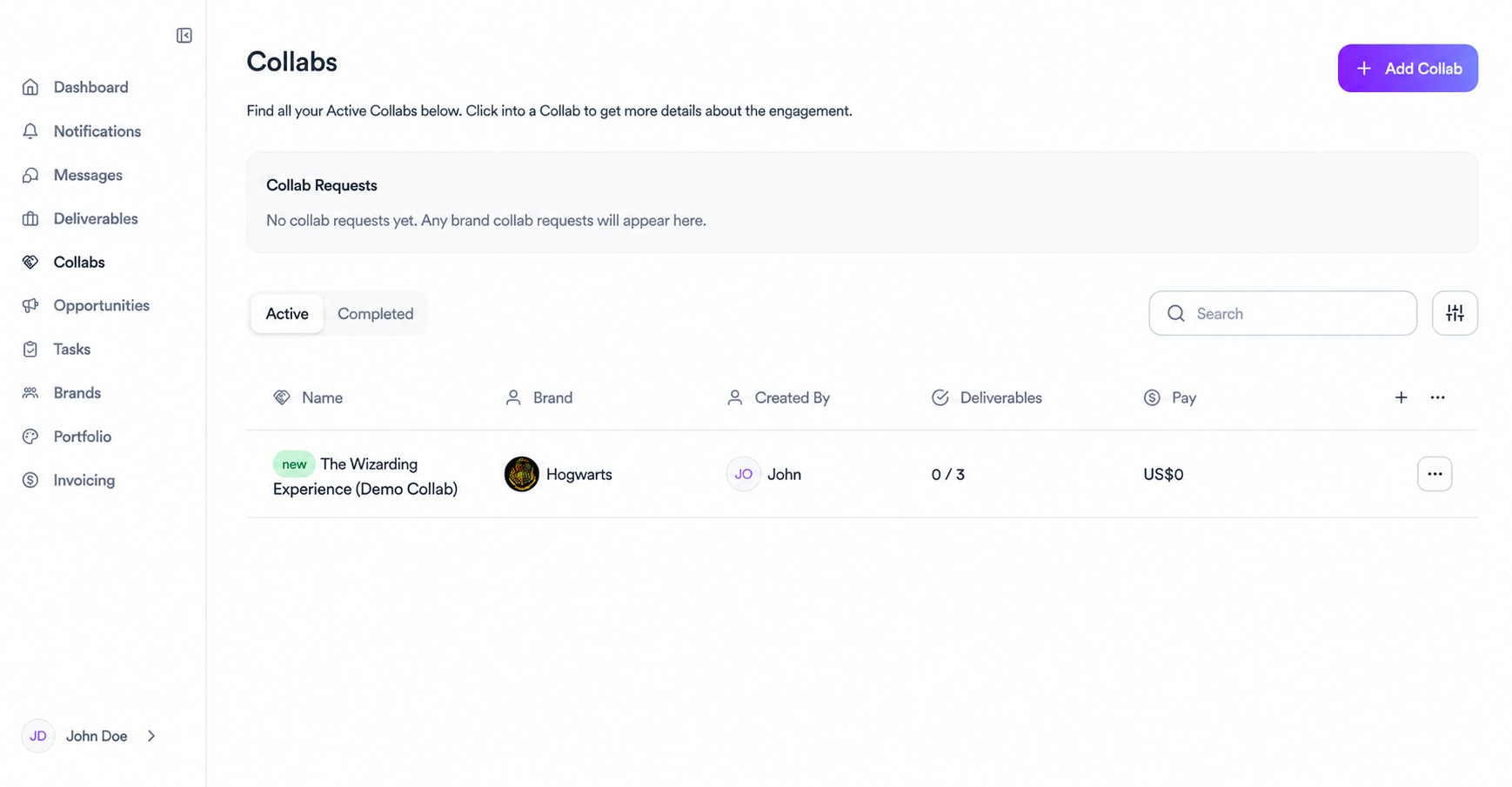
Collabs is where you manage all your brand partnerships. Every collab you're part of appears here, whether it was initiated by a brand or created by you directly.
Collab requests
At the top of the page you'll see any pending collab requests from brands. These are invitations to work together that are waiting for your response.
Active tab
All your current collabs appear here. For each one you can see the brand, who created it, how many deliverables are completed out of the total, and the agreed payment. Click into any collab to see the full details, brief, tasks, and deliverables.
Completed tab
Once a collab wraps up it moves here. You can review past work, check what was delivered, and reference the terms of previous partnerships.
Adding a collab manually
You can also create a collab yourself by clicking Add Collab in the top right corner. The process has 3 steps: first you fill in the collab name, the brand you're working with, a description, and any attachments like briefs or reference files. The following steps let you add more details to complete the setup.
Related articles
Need help?
Reach out to your creator concierge or email the team.
Was this article helpful?