Invoicing is where you create and manage all your invoices. From here you can track what you've billed, what's been paid, and what's still outstanding.
Business currency
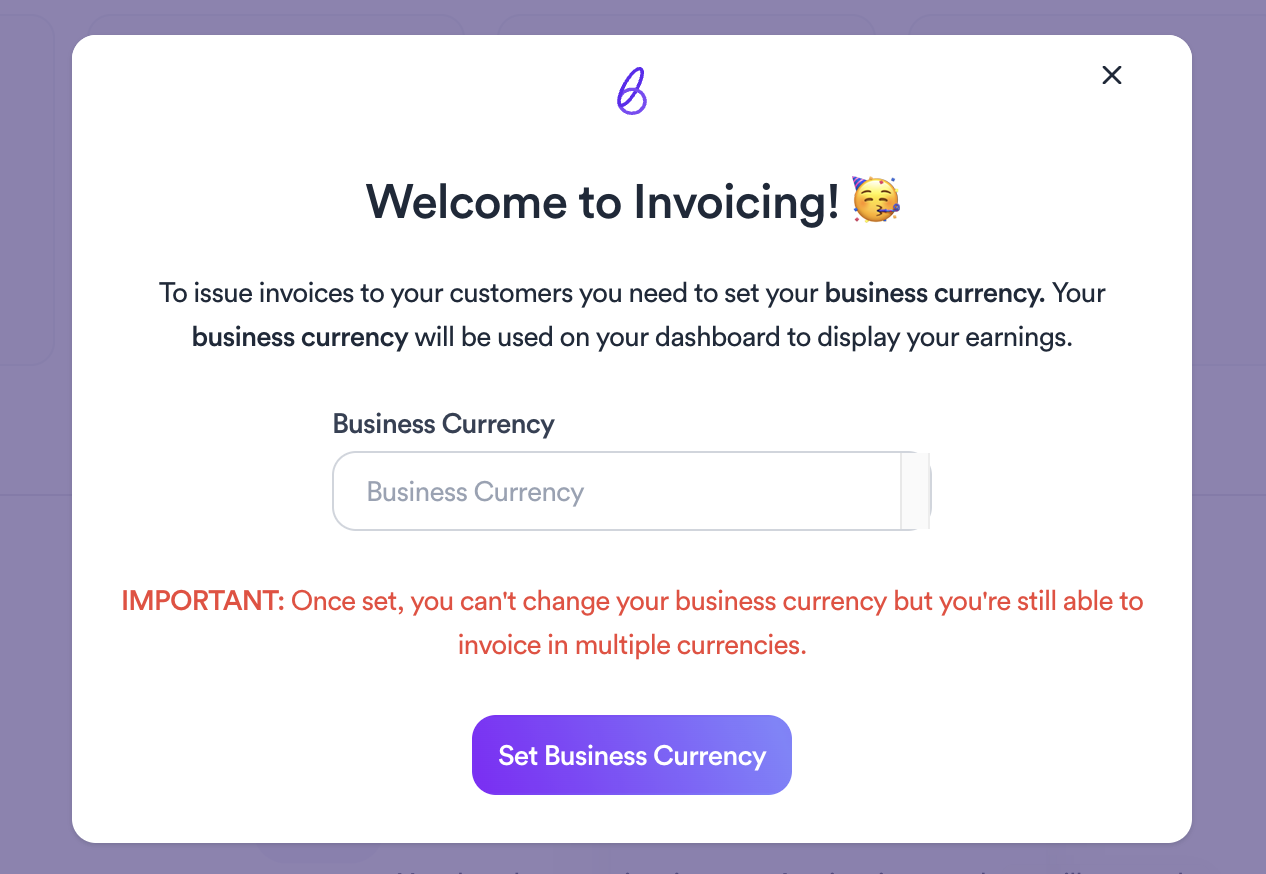
The first time you access Invoicing you'll need to set your business currency. This currency will be used on your dashboard to display your earnings. Choose carefully: once set, your business currency can't be changed. You can still issue invoices in multiple currencies after setting it.
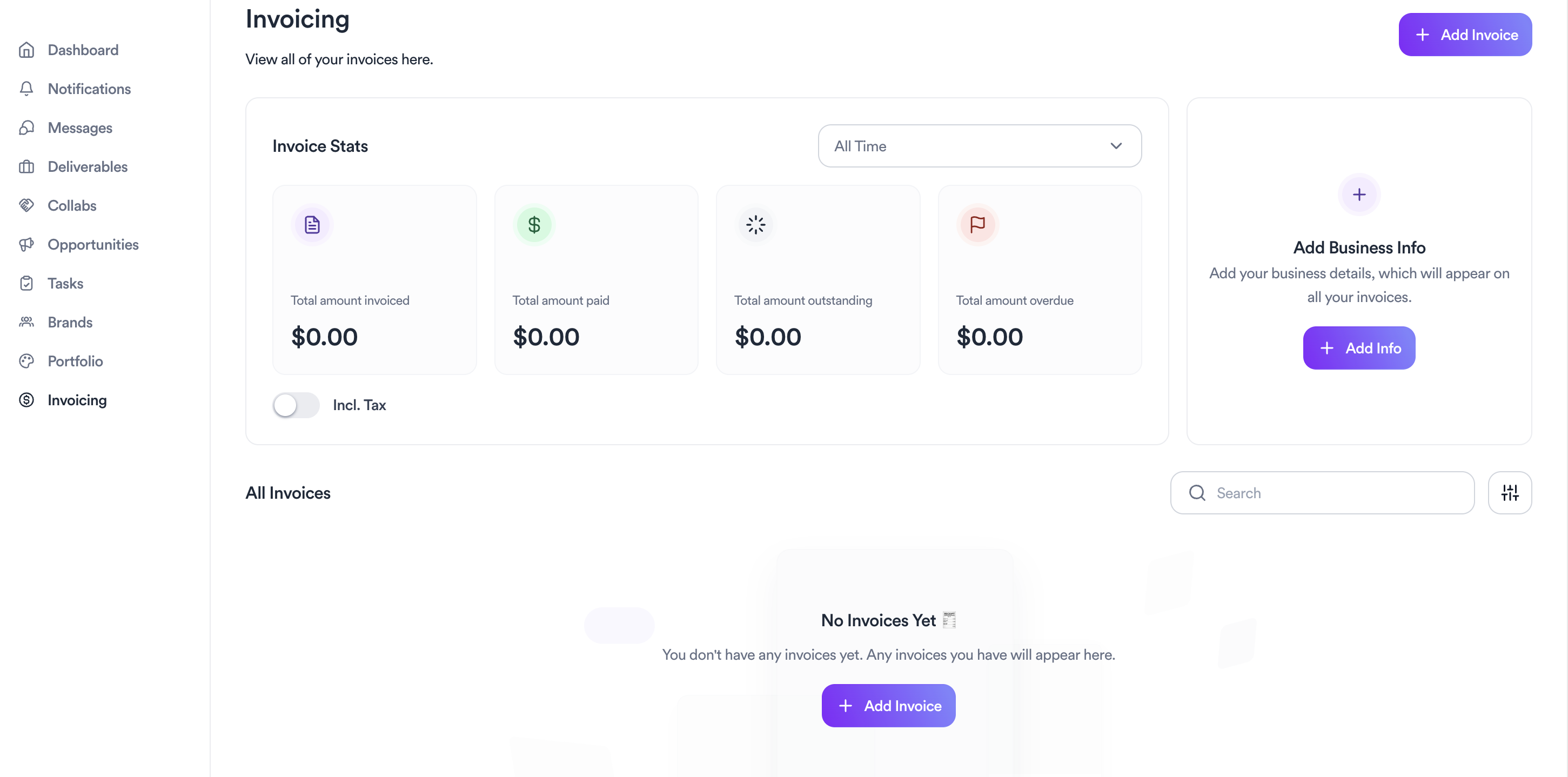
Invoice stats
At the top of the page you'll see a summary of your finances: total amount invoiced, total paid, total outstanding, and total overdue. You can filter these stats by time period to get a clearer picture of your earnings.
Your invoices
All your invoices appear in the list below the stats. You can search and filter to find any specific invoice quickly.
Business info
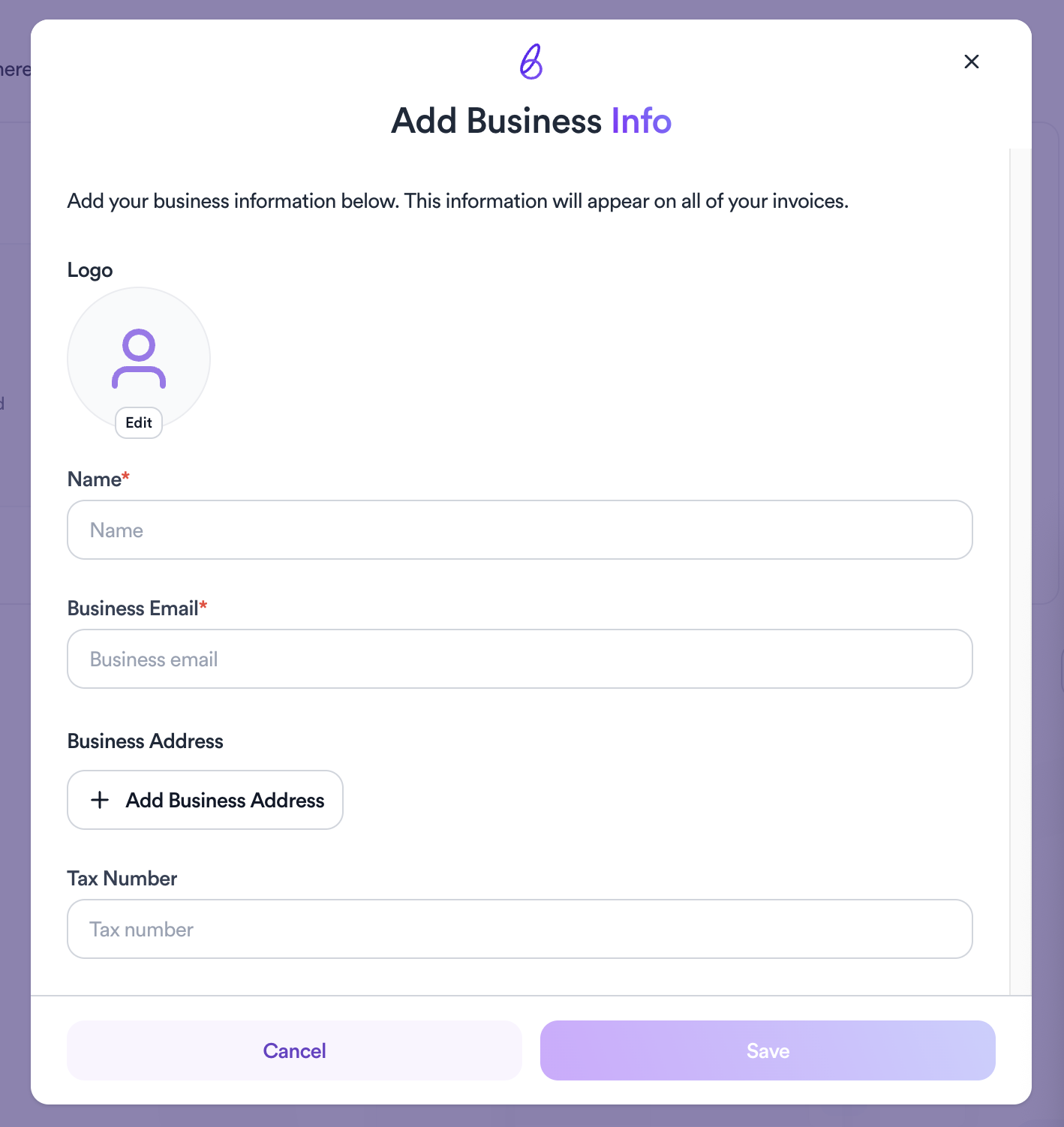
Before sending invoices, set up your business details by clicking Add Info. This includes your logo, name, business email, address, and tax number. This information will appear automatically on all your invoices.
Creating an invoice
Click Add Invoice to create a new one. You can choose to include or exclude tax using the toggle on the stats panel.
Related articles
Need help?
Reach out to your creator concierge or email the team.
Was this article helpful?