Account settings
1 min read
Account settings
Manage your personal information, security, and payment connections from your account settings page.
Profile
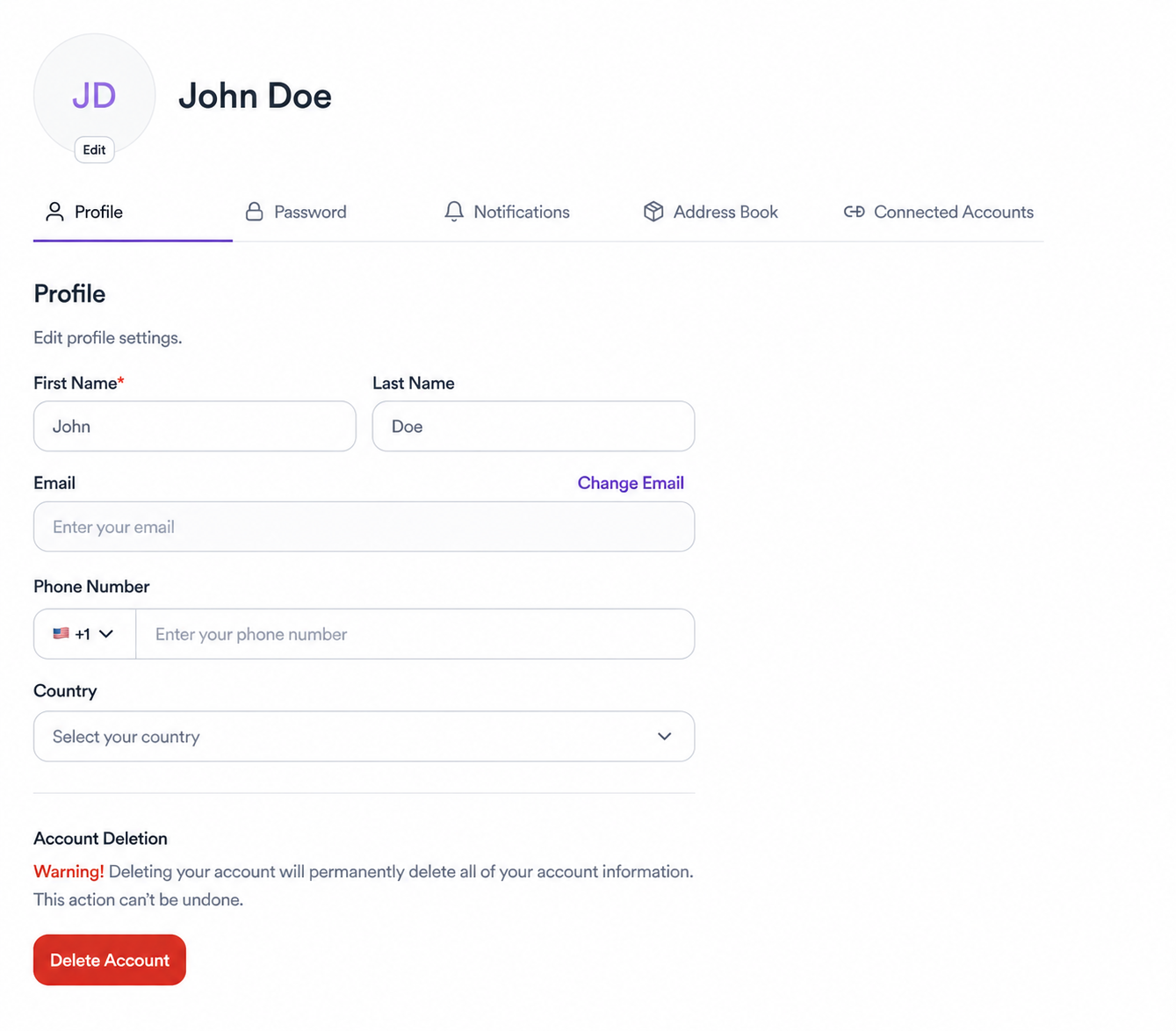
Update your first name, last name, email, phone number, and country. To change your profile photo, tap Edit above your avatar. Note: deleting your account permanently removes all your information and can't be undone.
Password
Change your password at any time from the Password tab. If you signed up with Google, you may not have a password set and you can add one here.
Notifications
Control which updates you receive and how. You can manage notification preferences for campaigns, messages, deliverables, and payments.
Address book
Add a shipping address so brands can send you products for review or content creation. You can save multiple addresses and choose which one to share per collab.
Connected accounts
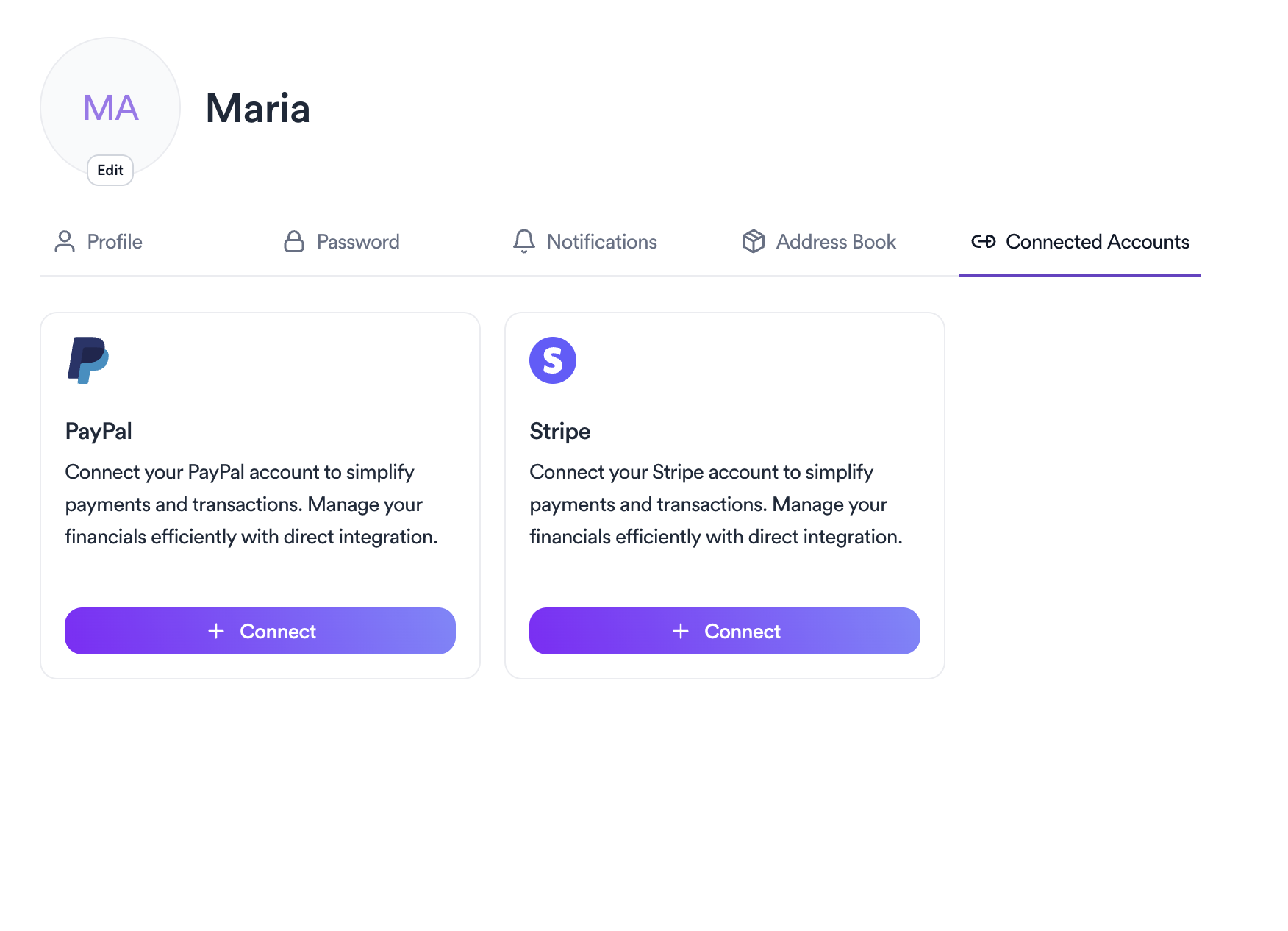
Link your PayPal or Stripe account to receive payments directly through Brkaway. Once connected, brands can pay you without leaving the platform. Any processing fees come from PayPal or Stripe directly, Brkaway doesn't take a cut.
Related articles
Need help?
Reach out to the Winclap team and we'll help you shortly.
Was this article helpful?